Export a ChatGPT or DeepSeek chat as a Word document.
Not a text dump in a .docx wrapper: real Word headings, real tables, and the images sitting inside the file. Open it, edit it, track changes on it, send it to someone who does not use Markdown.
- retry-backoff-design.docx42.1 KBword
Why a document
Markdown is for you. Word is for everyone else
Word is what the reviewer who leaves comments expects, and the client who wants an attachment, and the process that ends in a signature.
That handover is where an export usually falls apart: the code turns into prose, the table turns into tab-separated mush, and the pictures stay behind in the browser.
What survives the trip
The parts that usually do not make it
Headings
Real Word heading styles, so the navigation pane works and a table of contents builds itself.
Tables
Still tables, with borders and a bold header row — not tab-separated text.
Code
Monospaced blocks, with the line breaks kept where the model put them.
Images
Embedded in the document itself rather than linked, so the file survives being emailed.
What it does not do
Where the control ends
Links keep their colour but not their address: the text is there, the click is not. If a conversation matters because of where it points, keep the Markdown copy alongside it.
Very long conversations — past roughly 1.5 million characters — skip the Word and HTML copies, because building them in the page stops being safe. Markdown, text, JSON and the attachments still come out.
How it works
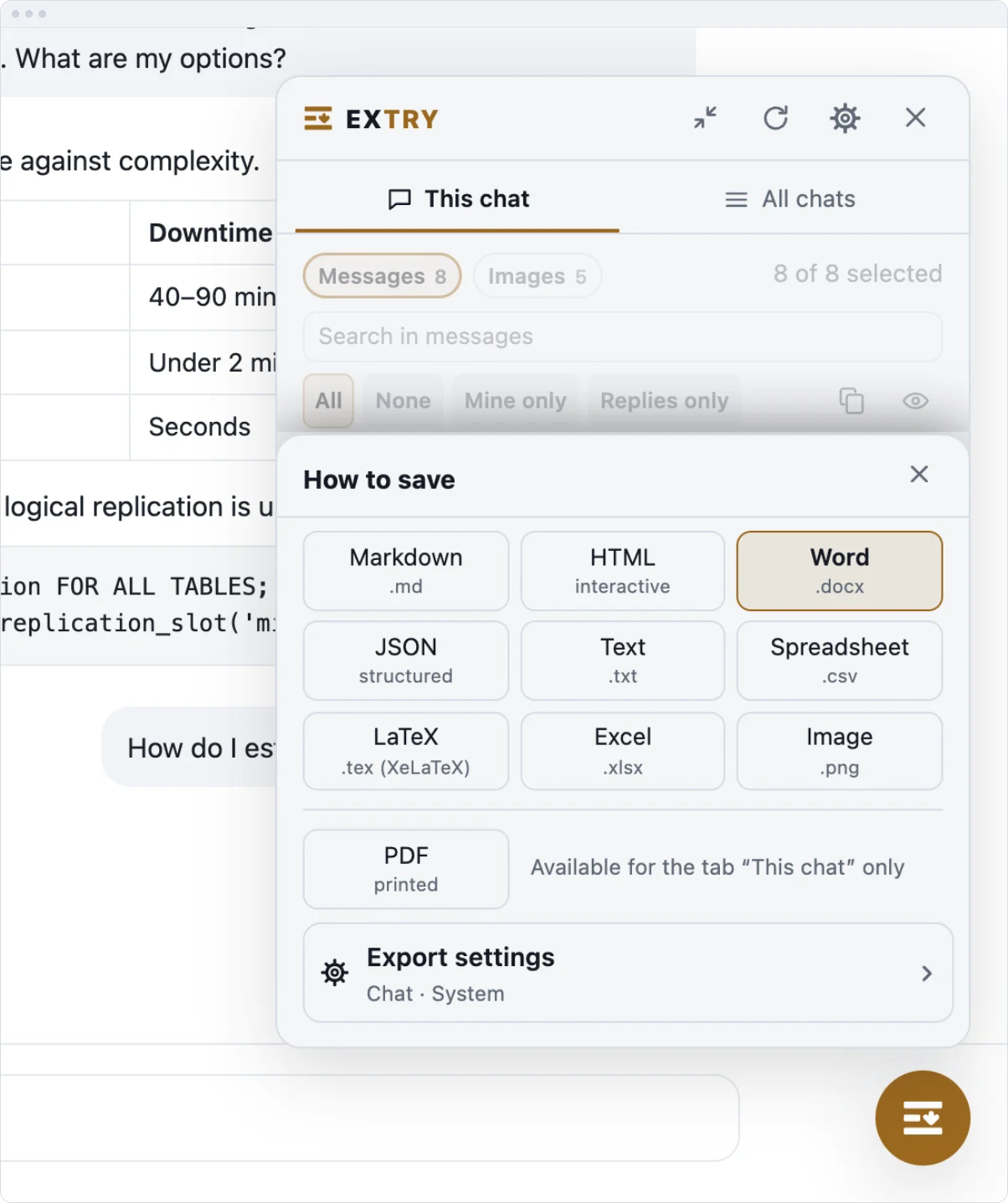
How to export a chat to Word
- Open the conversation in ChatGPT or DeepSeek and click the Extry button on the page.
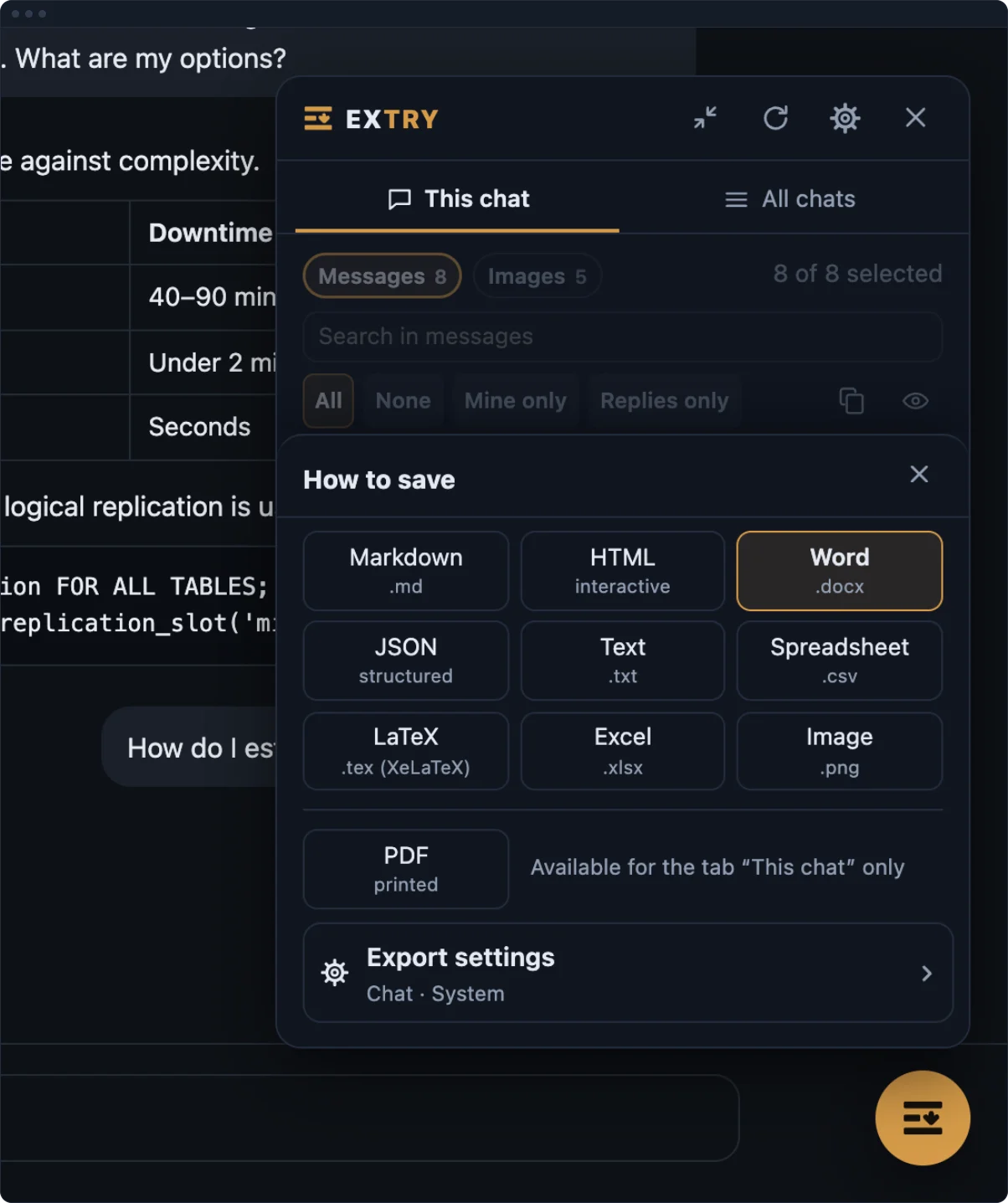
- Pick Word in the panel.
- Press Download this chat and open the .docx from the archive.
No account, no upload step. The document is assembled in the page, so nothing is sent to a converter.
Processing
Where each part runs
| What | Where it happens |
|---|---|
| Export to every format | In your browser |
| Attachments and images | In your browser |
| Conversation content | Not sent anywhere |
| Usage statistics | Not collected |
| Typeset PDF (later, opt-in) | On a server, file deleted right after |
FAQ
About the Word export
Is it a real Word document?
Yes. It is a .docx with Word’s own styles, not a renamed text file. Word, LibreOffice, Pages and Google Docs all open it.
Do the headings build a table of contents?
Yes. Turns use real heading styles, so Word’s navigation pane and automatic table of contents both work.
Are images inside the file?
Yes. They are embedded rather than linked, so the document still shows them after it is emailed or moved.
Are the links clickable?
No. Link text keeps its colour, but the address is not attached. Use the Markdown or HTML copy when the links matter.
More
Other ways out
Other routes for the same conversation: Markdown, printing to PDF, LaTeX, Excel, the ZIP export with attachments, the bulk export, the main page.