You asked ChatGPT or DeepSeek for your data. Now open the .zip.
What arrives by email is a folder of files with an index nobody reads for pleasure. Extry opens that archive in your browser and writes any conversation out of it as files — the same formats, without a single request going out.
- index.html31.8 KBcontents
- 001_pricing-model/pricing-model.md18.4 KBmarkdown
- 001_pricing-model/files/diagram.png212.7 KBpicture
- 002_api-migration/api-migration.md44.1 KBmarkdown
- 002_api-migration/files/budget-q3.xlsx88.6 KBattachment
- images.html14.2 KBgallery
Why bother
The export is your copy, and it is unreadable
OpenAI gives you the whole history on request, and what comes back is machine food: conversations split across JSON files, uploads renamed to identifiers with no extension, and a small HTML page that lists the chats and little else. DeepSeek mails its own export too, though its attachments come back named, not with their content.
It is the right thing to ask for and the wrong thing to read. Opening it here turns the same file into the documents you would have exported from the chat itself.
What is inside
What ChatGPT and DeepSeek actually send you
The conversations are JSON. Older ChatGPT exports put them in one conversations.json; recent ones split them across several files and list them in export_manifest.json, which is why a reader that opens the archive by looking for conversations.json finds an empty history inside a hundred megabytes.
Every ChatGPT upload and generated picture sits in the root as a file named after its identifier, with no extension and no link to the message it belonged to. That link lives in the JSON, and putting the two back together is most of the work.
Some of those files are referenced but not there: uploads are removed from the service after a while, and the export carries the mention without the bytes. Eight of seventy-seven were gone in the archive this was measured on, and each one gets a short note in its place rather than a silent gap. DeepSeek’s own export does not carry attachment contents — every upload gets the same kind of note, and the file itself stays only in the live chat.
How it works
How to open a ChatGPT or DeepSeek export archive
- Ask for the export: in ChatGPT (Settings → Data controls → Export data), or in DeepSeek (its own settings). ChatGPT sends a link by email that expires, so download the .zip when it comes; DeepSeek also sends its export by email.
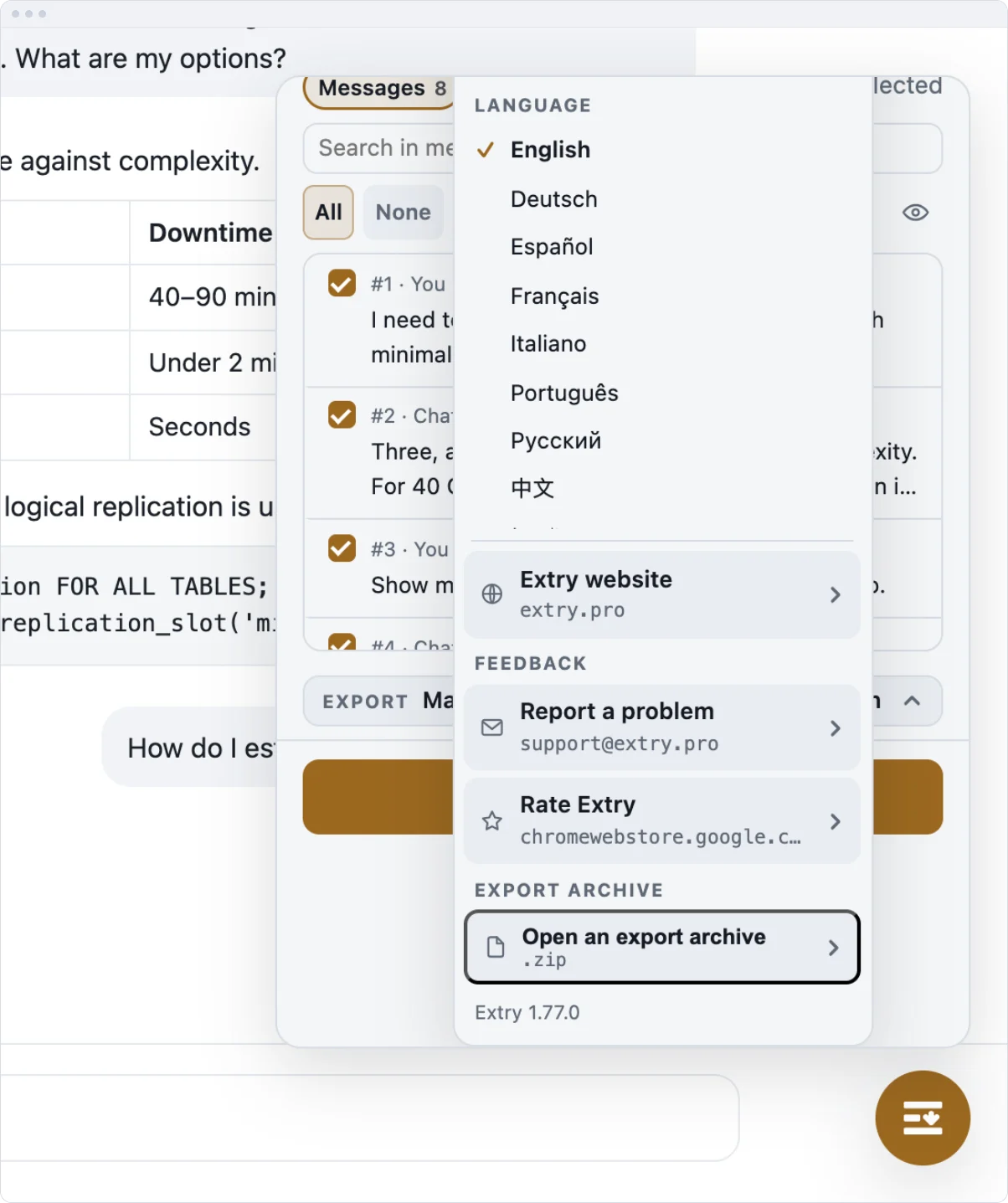
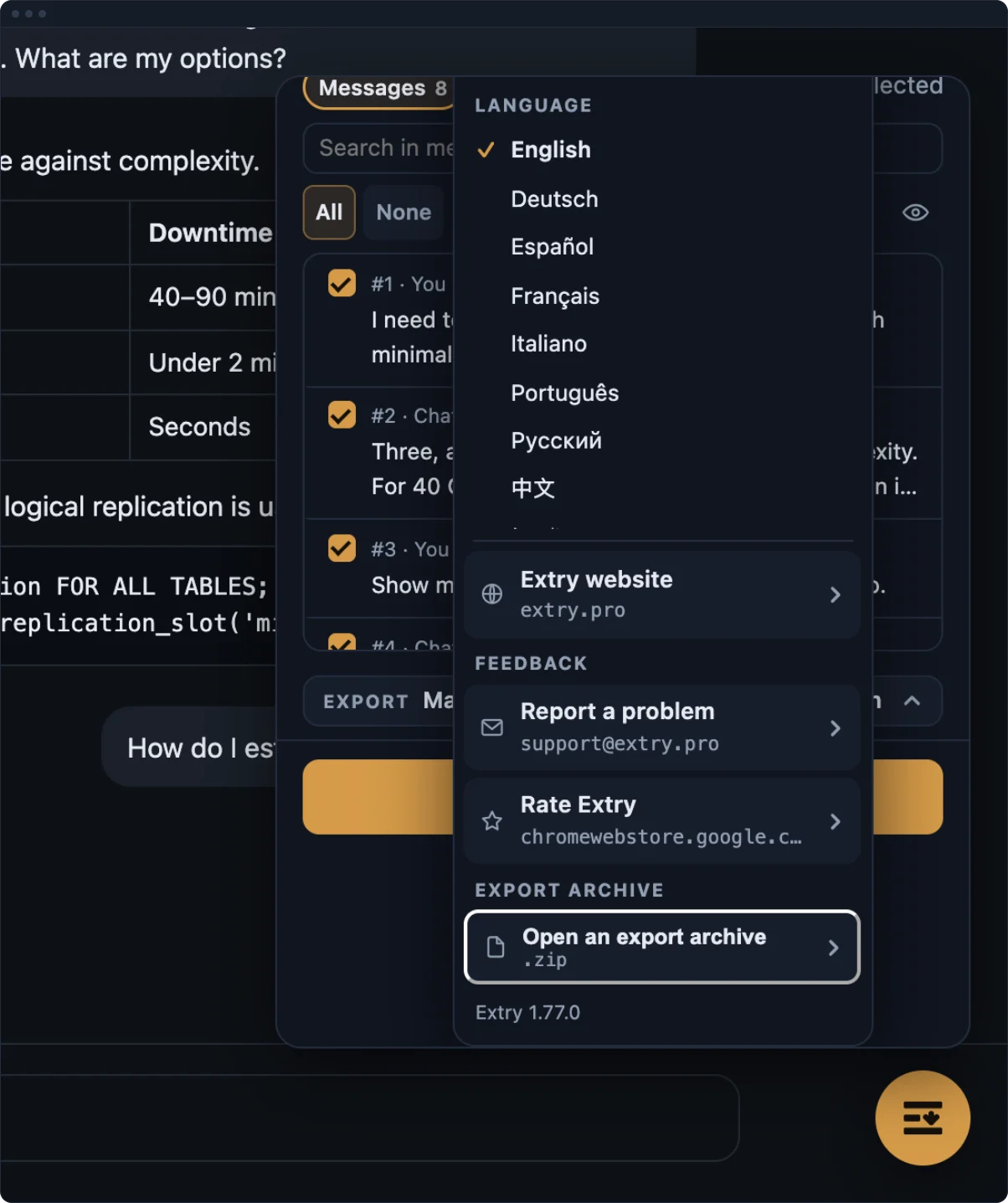
- Open chatgpt.com or chat.deepseek.com with Extry installed, press the button, and in the gear menu choose Export archive.
- Pick the .zip. The chat list becomes the archive’s list: tick what you want, choose the formats, press Download. Back to the live history puts everything as it was.
The archive is read on your machine, from the file you picked — the 98 MB export it was measured on, 317 conversations, opened in about a second. Nothing is uploaded and nothing is asked of the network, which is the point: this road exists for the times when the account cannot answer.
When it helps
Four times the archive is the only road
The account cannot answer
Past a daily limit, signed out, or closed for good. The archive is a file on your disk, and reading it asks nothing of anybody.
Chats that left the list
An export holds what the history held on the day it was made. Conversations deleted since are still in it, and still come out as documents.
The same formats as a live chat
Markdown, Word, HTML, plain text, JSON, CSV, Excel or LaTeX, with a files/ folder beside the transcript on ChatGPT — DeepSeek’s own export names attachments without their content, so Extry writes a note instead.
One conversation or the lot
While the archive is open it stands in for the chat list, so a single chat or three hundred of them come out the same way.
Processing
Where each part runs
| What | Where it happens |
|---|---|
| Export to every format | In your browser |
| Attachments and images | In your browser |
| Conversation content | Not sent anywhere |
| Usage statistics | Not collected |
| Typeset PDF (later, opt-in) | On a server, file deleted right after |
FAQ
About opening the export
Do I have to unpack the .zip first?
No. Hand over the file as it downloaded. If your machine unpacked it on arrival, the .zip is usually still sitting beside the folder in Downloads.
Is anything uploaded when I open an archive?
No. The file is read in the browser, on your machine. The archive road makes no network calls at all — there is a test that fails if one is made.
My export has no conversations.json. Is it too new?
It opens either way. Recent exports shard the conversations across several files and list them in export_manifest.json; that manifest is what Extry follows.
Some images are missing from the export.
On ChatGPT they were removed from the service before the export was made — the archive names them without carrying them. DeepSeek’s own export does not carry attachment content. Either way, a short note is written in its place, so a folder shorter than the transcript has an explanation in it.
Is everything from the chat in the archive?
For ChatGPT, the conversation is, with its files and its reasoning. Canvas documents, search results and code-interpreter output are only in the live chat: in the 317-conversation archive this was measured on, there was not a single tool message. DeepSeek’s own export holds the conversations but not the contents of attachments; those stay in the live chat.
Does it work if I cannot sign in any more?
Yes. Open chatgpt.com or chat.deepseek.com so the panel is there, then open the archive: reading it needs no account, no token and no request.
More
Other ways out
The live chat has its own routes: the bulk export, the ZIP export with attachments, Markdown, Word, the main page.